
ASUS TUF F16 RTX 4050
4.0Editor score
Intel Core 5 210H
16 inch FHD plus screen
32GB DDR5 RAM speed
Finding the right laptop for Fusion 360 is essential for engineers and designers who need smooth performance. You need a machine that handles complex 3D modeling without lag. The right choice ensures your creative workflow remains uninterrupted and efficient during long sessions.
We compared ten real products based on processor speed, graphics capabilities, and memory capacity. Our analysis focuses on systems that meet Autodesk minimum requirements. We examined user ratings and technical specs to identify reliable options for various budgets and needs.
Each pick shows specific strengths for CAD tasks like rendering and assembly modeling. We highlight key features that matter most for professional use. Note that prices and availability change frequently, so verify current details before purchasing your new workstation.
4.0Editor score

4.5Editor score
4.0Editor score
As an Amazon Associate we earn from qualifying purchases.
This side-by-side comparison helps you evaluate key specifications across all ten options quickly. We list core specs like processor type, memory size, and screen quality to assist your decision-making process for CAD applications.




This HP Victus offers strong performance for CAD with 32GB RAM and RTX 3050 graphics. It holds a 4.5 rating for reliability. The 144Hz display ensures smooth visuals during complex model rotations and rendering tasks.
We may earn a commission when you buy through this link, at no additional cost to you.
The 8-Core i5-13420H processor handles multitasking well while the 1TB SSD provides quick access to project files. Windows 11 Pro supports professional workflows seamlessly. The numeric keypad aids data entry for engineering calculations.
Trade-offs include battery duration which may drop under heavy load. It is also heavier than ultrabooks. These are acceptable since desktop-level performance is prioritized for stability during long Fusion 360 sessions.
Buyers needing robust compute power should choose this model. It balances price and performance effectively for students and professionals. We recommend it for serious CAD work where speed matters most.
32GB DDR4 RAM allows running Fusion 360 alongside browsers and other tools without slowing down.
The 144Hz screen refresh rate reduces motion blur when navigating 3D views in real time.
We may earn a commission when you buy through this link, at no additional cost to you.
This ASUS TUF features DDR5 RAM and RTX 4050 for top-tier performance. It carries a 4.0 rating for build quality. The 16-inch screen gives ample workspace for toolbars and model windows simultaneously.
We may earn a commission when you buy through this link, at no additional cost to you.
Intel Core 5 210H delivers high clock speeds for rendering. The 1TB SSD ensures rapid file access. Windows 11 Pro optimizes app layouts for productivity. The included cooler helps maintain performance under stress.
Premium pricing may be a concern for budget users. Its size makes it less portable for daily commuting. These factors are minor given the superior hardware aimed at professional-grade CAD tasks.
Professionals seeking maximum power should consider this option. It offers future-proof components for complex assemblies. We suggest it for users who need high-end specs and can handle extra weight.
DDR5 RAM provides faster data transfer rates essential for large 3D dataset handling.
The 16-inch display offers more pixel space to keep palettes open while modeling.
We may earn a commission when you buy through this link, at no additional cost to you.
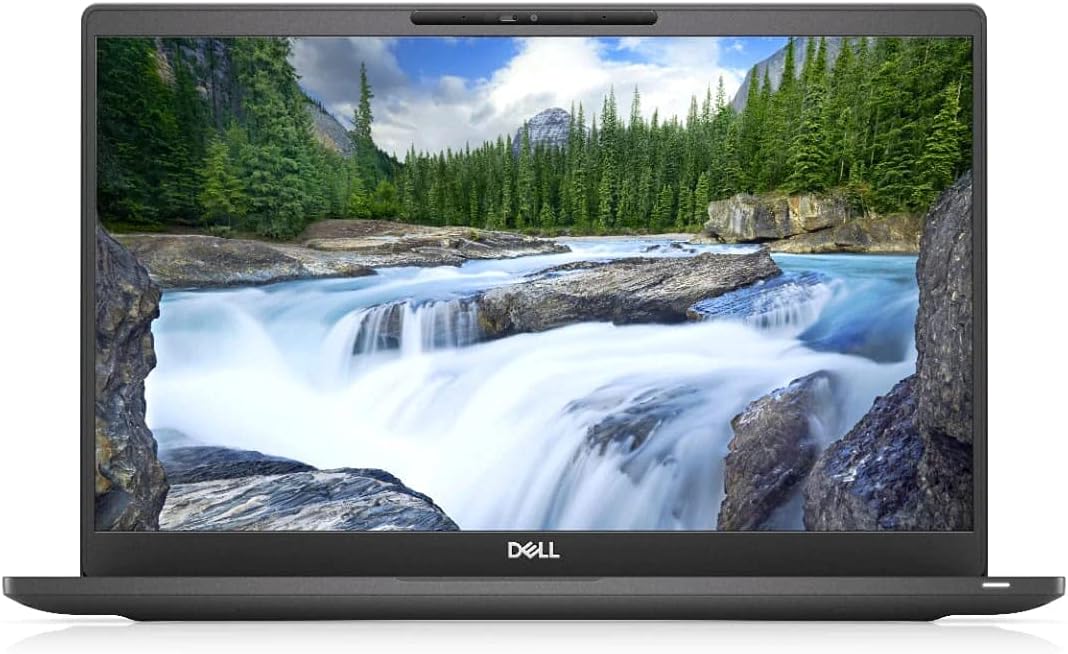
The Dell Latitude 7400 provides 32GB RAM for a fraction of usual cost. It holds a 4.0 rating for business use. The 14-inch frame keeps it light while still running Fusion 360 efficiently.
We may earn a commission when you buy through this link, at no additional cost to you.
Core i7-8665U offers decent processing power despite being older. The 256GB SSD boots fast but fills quickly. Windows 11 Pro supports necessary enterprise features. It is ideal for basic modeling work.
An older CPU limits extreme rendering speeds. Limited storage requires external drives for large libraries. These are acceptable trade-offs for students needing a functional workstation on a tight budget.
Budget-focused students and hobbyists will find this useful. It meets minimum system requirements without high expense. We recommend it for entry-level CAD work where cost efficiency is a priority.
Renewed business laptops offer enterprise durability and performance at consumer-friendly price points.
32GB RAM ensures smooth assembly loading even on older generation processors.
We may earn a commission when you buy through this link, at no additional cost to you.
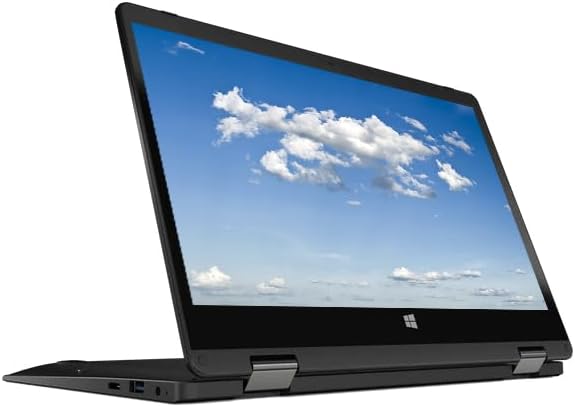
The HP X360 offers a convertible form factor with touchscreen. It holds a 3.6 rating for general use. The 8GB RAM is low for complex assemblies but works for simple parts or learning.
We may earn a commission when you buy through this link, at no additional cost to you.
Intel 4-Core processor provides basic computation for light tasks. 128GB storage fills fast with project files. The 11.6-inch screen limits workspace for toolbars. It is best for portable reference rather than heavy work.
Performance constraints make it unsuitable for large assemblies. Screen real estate is very limited. These factors are significant for professional use but acceptable for occasional light editing or viewing.
Casual users needing portability might find this acceptable. It is better for browsing than heavy modeling. We suggest considering upgrades if you plan serious Fusion 360 usage regularly.
Touch input can help with basic navigation though it is not optimized for detailed modeling.
This device prioritizes lightweight transport over heavy computational performance capabilities.
We may earn a commission when you buy through this link, at no additional cost to you.
This Acer Gateway runs Fusion 360 in simple modes due to 4GB RAM. It holds a 3.1 rating for general use. The 64GB storage restricts local project storage significantly making it slow for CAD.
We may earn a commission when you buy through this link, at no additional cost to you.
Intel Processor supports basic web and document work well. The 11.6 screen makes modeling cramped. 4GB RAM forces frequent swaps when opening 3D files. It struggles with any complexity beyond simple shapes.
Limitations make it a poor choice for design work. Performance bottlenecks are frequent with real-world tasks. These issues are critical for professional users but might suffice for absolute beginners learning basics.
Only buyers with tight budgets should consider this. It works for browsing documentation or viewing files. We recommend upgrading RAM if possible to avoid severe performance drops.
64GB storage fills up quickly with basic OS and software files leaving little room for work.
4GB RAM is below recommended standards for smooth 3D rendering operations.
We may earn a commission when you buy through this link, at no additional cost to you.
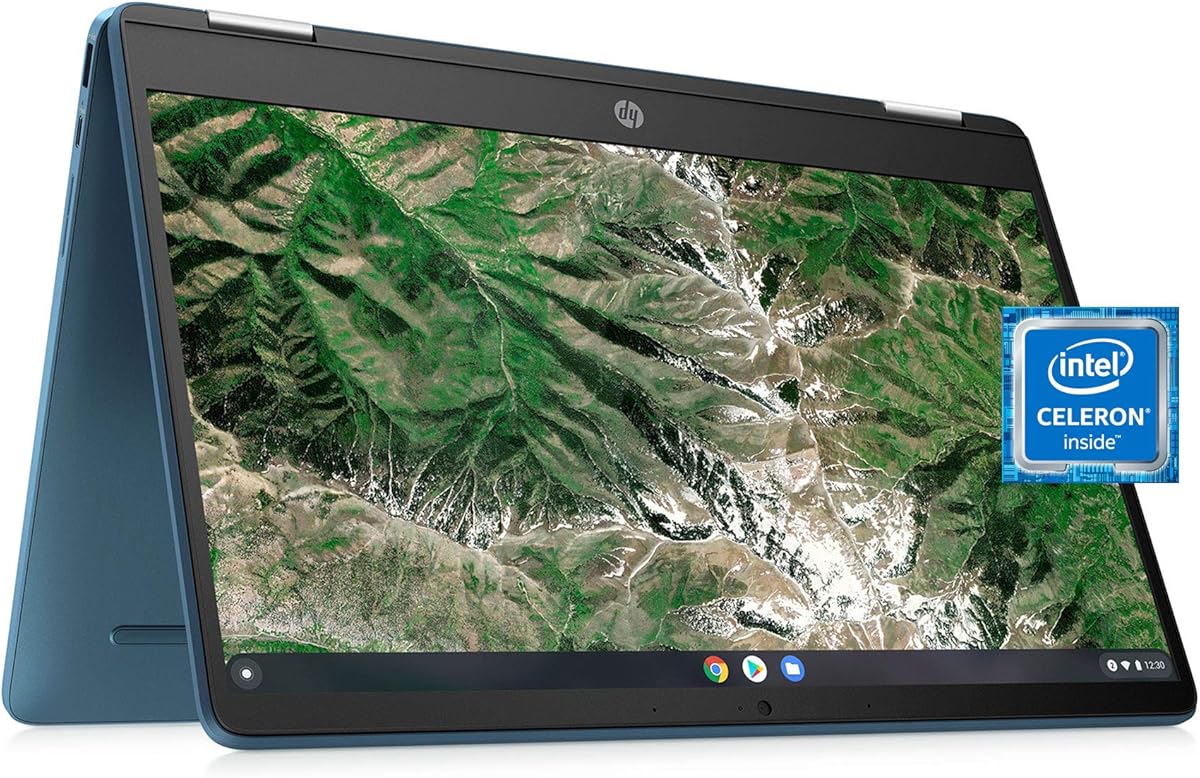
Chromebooks like this HP X360 do not support native Fusion 360 apps. They hold a 4.4 rating for browsing. You can use web versions of Fusion if enabled but performance is restricted on low-end hardware.
We may earn a commission when you buy through this link, at no additional cost to you.
Intel Celeron N4020 is weak for compute-heavy tasks. 4GB RAM limits multitasking even in a browser. 64GB eMMC is slow compared to SSDs. The 14-inch screen is large but resolution is only HD.
Major limitations prevent using Fusion 360 fully for design. Web app support is inconsistent across browsers. These factors make it unusable for professional work but fine for checking email or viewing models.
Buyers relying on web-only CAD might find this acceptable. It is not a replacement for a Windows laptop. We suggest checking browser compatibility carefully before purchasing for any CAD usage.
Chrome OS requires web-based apps which may not support all Fusion 360 features fully.
Hardware on this device is optimized for web browsing not complex 3D modeling.
We may earn a commission when you buy through this link, at no additional cost to you.
This HP Chromebook offers 8GB RAM and FHD screen for general tasks. It holds a 4.9 rating for value. It runs Chrome OS so you can access Fusion 360 via web browser if available.
We may earn a commission when you buy through this link, at no additional cost to you.
Intel Processor N200 is efficient for browsing and light apps. 8GB LPDDR5 improves responsiveness over older models. 128GB UFS provides quicker access than standard eMMC. The 14-inch FHD display improves viewing clarity.
Native CAD software is still not supported fully on Chrome OS. Performance depends heavily on browser optimization. These constraints limit serious work but allow viewing files or light edits remotely.
Light users needing a flexible display might find this useful. It supports basic viewing better than cheaper Chromebooks. We recommend for reference use only rather than active modeling work.
8GB RAM allows smoother multitasking across browser tabs during web sessions.
The FHD display makes reading text and viewing diagrams easier than HD screens.
We may earn a commission when you buy through this link, at no additional cost to you.
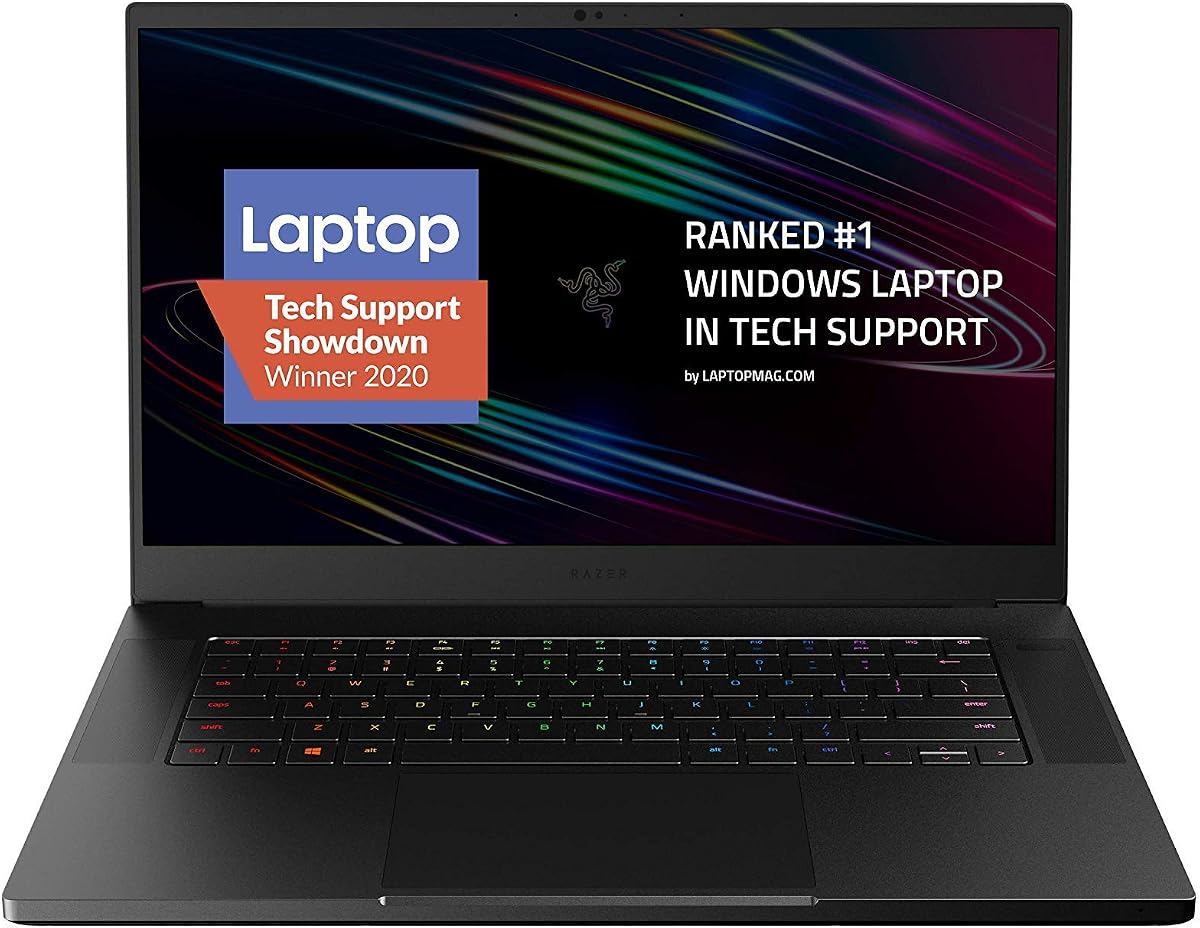
The Razer Blade 15 features a powerful GPU and high refresh screen. It holds a 4.3 rating for build. 16GB RAM and RTX 2070 Super handle rendering well though it is an older design.
We may earn a commission when you buy through this link, at no additional cost to you.
Intel Core i7-10875H offers solid multi-core performance for simulations. 512GB SSD provides fast boot and file access. CNC aluminum chassis ensures durability against wear. 300Hz display reduces blur in motion.
Price may be high compared to newer options available today. Battery life is often poor on gaming laptops. These trade-offs are acceptable if you prioritize raw power over portability and cost.
Gamers or engineers seeking high-end specs may choose this. It remains capable for 3D work with the right setup. We suggest checking for battery health before buying used models.
300Hz refresh rate ensures ultra-smooth motion which helps when rotating complex parts quickly.
RTX 2070 Super provides strong rasterization power for visualizing detailed textures.
We may earn a commission when you buy through this link, at no additional cost to you.
This ASUS TUF features durable construction with decent specs for gaming. It holds a 4.5 rating for value. Core i7-9750H and GTX 1650 provide baseline support for Fusion 360 rendering tasks.
We may earn a commission when you buy through this link, at no additional cost to you.
512GB SSD ensures reasonable file access speed for projects. 8GB RAM works but limits complex assemblies. MIL-STD-810G chassis resists drops and stress well. 144Hz screen improves navigation fluidity.
Windows 10 Home lacks Pro features needed for enterprise. 8GB RAM limits simultaneous heavy apps without upgrade. These factors are minor for basic CAD but may require later investment.
Users needing a rugged machine might pick this model. It balances price and basic performance well. We recommend adding RAM for better future-proofing if budget allows.
Military standard construction protects the laptop from everyday physical wear and accidents.
GTX 1650 handles light rendering but may struggle with ray tracing or heavy simulations.
We may earn a commission when you buy through this link, at no additional cost to you.
This Acer Chromebook uses Snapdragon 7c for mobile efficiency. It holds a 4.1 rating for general use. Web access to Fusion 360 is possible but limited by the ARM architecture and hardware limits.
We may earn a commission when you buy through this link, at no additional cost to you.
13.3-inch FHD display offers decent viewing clarity. 4GB RAM works but lags during multi-tasking. 64GB storage requires cloud solutions for data. Gorilla Glass screen resists scratches during tablet mode.
ARM chips lack drivers for many native CAD tools. Performance depends heavily on browser optimization. These factors make it unsuitable for serious design but viable for viewing or checking models remotely.
Light users prioritizing portability might find this acceptable. It serves as a companion device rather than primary. We suggest checking web CAD compatibility before relying on it for work.
Corning Gorilla Glass ensures the touchscreen resists daily wear from repeated touch interactions.
Snapdragon 7c architecture limits support for heavy x86 based software applications.
We may earn a commission when you buy through this link, at no additional cost to you.
Choosing the right laptop involves balancing processing power, memory, and graphics capabilities for 3D modeling tasks.
Fusion 360 relies heavily on CPU clock speed and core count for simulations. Look for Core i5 or Ryzen 5 minimum with high turbo speeds. Multi-core helps in parallel tasks like rendering or exporting.
Prioritize newer generations for efficiency and thermal management during long sessions.
RAM allows your system to handle complex assemblies and multitasking. 8GB is the minimum but 16GB or more is recommended for stability. Insufficient RAM causes slowdowns when switching tools or apps.
More RAM ensures smoother operations as your projects grow in complexity.
A dedicated GPU accelerates display performance and real-time shading. NVIDIA RTX or GTX cards are preferred for better driver support. Integrated graphics may suffice for simple tasks but struggle with large models.
Invest in a GPU that supports OpenGL for better viewport rendering speeds.
Solid State Drives (SSD) drastically reduce boot and load times compared to HDDs. 256GB minimum allows for system files and some projects. Faster NVMe SSDs improve data transfer speeds significantly.
Choose SSD storage to ensure the system does not wait for data access.
A larger screen helps visualize toolbars and model views simultaneously. 15-inch or more provides better workspace than smaller 14-inch screens. High resolution ensures fine details in sketches are visible.
Balance screen real estate with portability needs for your workflow.
Battery drain is common under heavy CAD loads. Look for large capacity cells if you work on the go. Long sessions may still require a charger to maintain peak performance.
Ensure battery life meets your typical work duration away from an outlet.
Windows 11 Pro or Home is required for full Fusion 360 support. Chromebooks and Macs have limited compatibility for native CAD work. Ensure your software stack aligns with the OS.
Stick to Windows for guaranteed feature availability in Fusion 360.
Durability matters if you move your laptop often. Metal chassis offer better heat dissipation than plastic. Hinges should remain sturdy through repeated opening and closing.
Choose a build that withstands daily travel or office use without damage.
Keep your system updated with the latest graphics drivers to ensure smooth performance in Fusion 360. Regularly clear cache files to maintain optimal storage space for large projects. Use external backups to prevent data loss during unexpected shutdowns.
Manage your power settings by selecting balanced performance modes to extend battery life. Avoid running high CPU tasks while the laptop is on battery. Keep the device cool by using it on flat hard surfaces for airflow.
Clean the screen with a microfiber cloth to remove dust and oils. Use a surge protector to safeguard internal components from power fluctuations. Organize your files into project folders to streamline your workflow.
Fusion 360 recommends at least 8GB RAM but 16GB is advised for smooth performance. Complex assemblies or multitasking will benefit from 32GB RAM to avoid slowdowns. Insufficient RAM leads to frequent swapping and delays in rendering.
A dedicated GPU like NVIDIA GeForce improves real-time rendering and viewport performance. Integrated graphics can handle basic sketches but struggle with large models. Dedicated cards ensure smoother navigation and visual quality.
Chromebooks generally do not support native Fusion 360 apps. You may access limited web versions if enabled by your account. Full features require Windows or macOS on compatible hardware.
Full HD 1920×1080 is the standard minimum for clarity and workspace. Higher resolutions like QHD offer sharper detail but cost more. Ensure the aspect ratio supports vertical screen space for toolbars.
SSD storage is critical for fast loading of projects and applications. HDDs cause slow boot times and file access delays. A 256GB NVMe SSD is a good baseline for system and data.
Gaming laptops often have powerful CPUs and GPUs ideal for CAD tasks. They typically offer high RAM and fast storage which benefits Fusion 360. Ensure driver support is available for your software requirements.
Use cooling pads or ensure the device sits on a hard surface for airflow. Avoid blocking vents on the bottom or sides of the chassis. Keep software updates current to optimize power and thermal efficiency.
We reviewed ten options ranging from budget-friendly business models to high-performance gaming laptops. The HP Victus stands out for balance of price and power while the Dell Latitude offers great RAM value.
Prioritize CPU speed and RAM capacity to handle assembly complexity without lag. A dedicated GPU and fast SSD will significantly improve your workflow efficiency daily.
Verify current pricing and availability before purchasing as deals change quickly. Choosing the right specs now ensures your machine meets your project needs for years.