
Rsrteng CCTV Camera Tester
4.5Editor score
8K 32MP IP support
90W PoE++ power
Android 11.0 OS
Gigabit SFP module port
Choosing the right monitoring tool is critical for security professionals who need reliable results. A quality device helps verify signals quickly and ensures every camera works correctly before finalizing any site.
We evaluated ten leading models based on screen quality, testing tools, and network capabilities. Each option offers unique features for handling different camera types and cable setups efficiently.
This list highlights specific strengths for various needs so you can select confidently. Please note that availability and costs may shift over time as market conditions change.
4.5Editor score

4.4Editor score

5.0Editor score
As an Amazon Associate we earn from qualifying purchases.
The following table provides a side-by-side comparison of all ten models to help you understand the key specifications and capabilities of each option quickly.


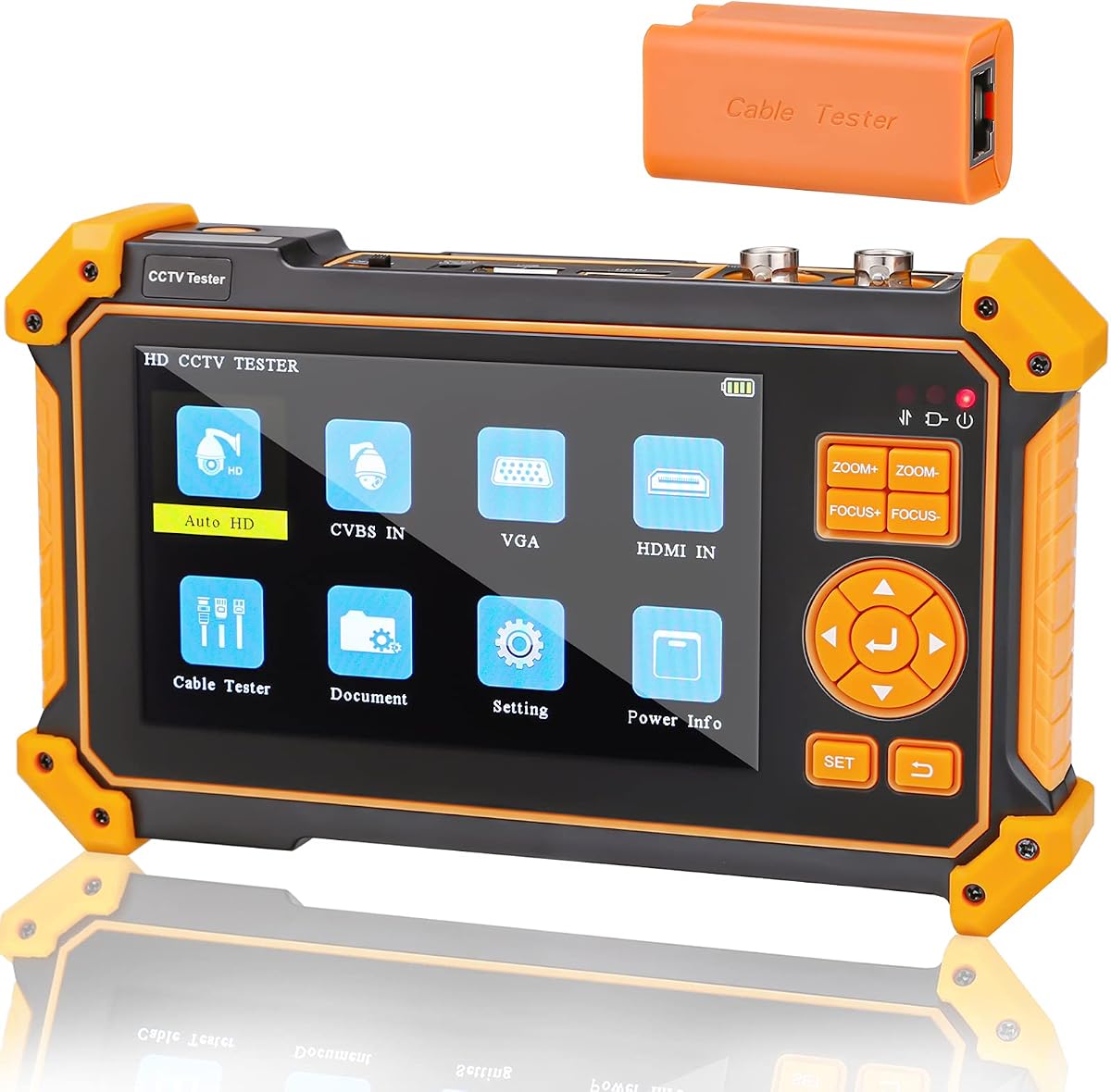
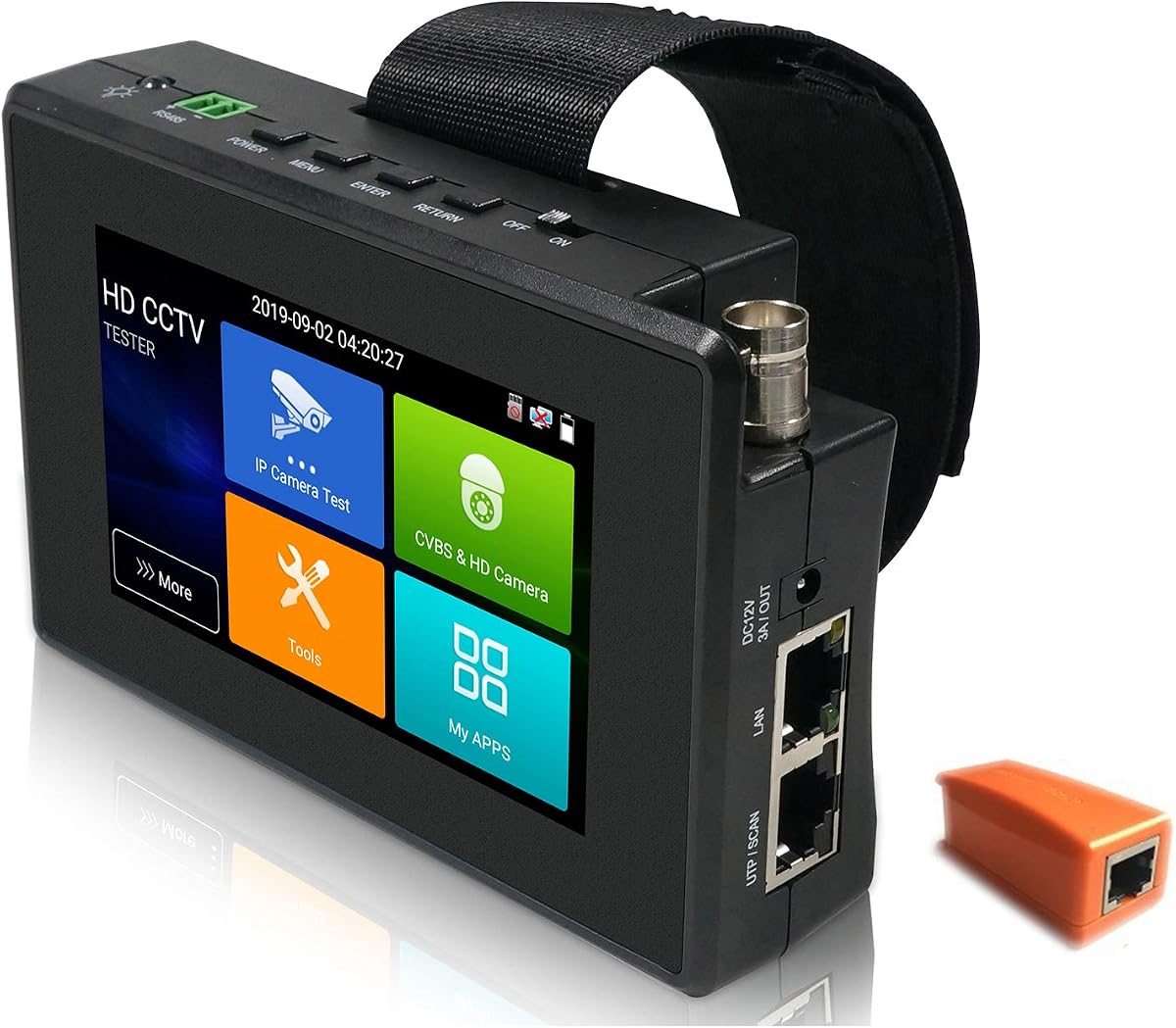
This WANLUTECH model stands out as a powerful tool for security professionals handling complex installations. It offers high resolution testing up to 8K which ensures every detail is visible during setup.
We may earn a commission when you buy through this link, at no additional cost to you.
The device includes robust network tools like IP scanning and DHCP server functions. It also supports PoE up to 90W which allows it to power high demand cameras directly.
While it is a significant investment the range of features justifies the cost for serious installers. The included tools reduce the need for carrying extra gear to the site.
It is ideal for technicians who need a reliable all in one solution for IP and analog systems. The detailed reporting features help document work efficiently.
The built-in network tools allow for rapid identification of IP conflicts and connectivity issues without needing a laptop.
With 90W output this tester can power PTZ cameras that typically require separate power sources during initial setup.
We may earn a commission when you buy through this link, at no additional cost to you.
The Rsrteng unit provides top-tier performance with support for the highest resolution IP cameras on the market. It runs on Android 11 allowing users to install specialized apps as needed.
We may earn a commission when you buy through this link, at no additional cost to you.
It features advanced testing capabilities including SDI support which is rare in this category. The PoE++ function ensures compatibility with the most power hungry modern devices.
This model is best for experts who work with diverse camera technologies and need maximum flexibility. The ability to run custom software adds significant value for specialized tasks.
Investing in this tester ensures you are prepared for future camera advancements. Its robust build and feature set make it a long term asset.
Support for SDI and high resolution IP ensures this device remains relevant as camera technology continues to evolve rapidly.
Running a standard Android OS allows users to install third party tools that might not be included in proprietary firmware.
We may earn a commission when you buy through this link, at no additional cost to you.
This WSDCAM model is an excellent entry-level option for technicians focused on analog systems. It offers all the essential features needed to test HD coaxial cameras efficiently.
We may earn a commission when you buy through this link, at no additional cost to you.
The device is compact and easy to carry around job sites which reduces fatigue during long install days. It supports all major analog formats like TVI and AHD.
While it lacks IP capabilities its simplicity is a strength for users who do not need network testing tools. The bright screen helps when working in low light areas.
It is perfect for those who need a reliable backup device or are just starting in the industry. The value it offers is unmatched for its price range.
The lightweight design and straightforward interface make it easy for beginners to pick up and use immediately without confusion.
It handles all common analog video signals with auto detection ensuring you can verify connections quickly without manual setup.
We may earn a commission when you buy through this link, at no additional cost to you.
This WANLUTECH model balances portability with functionality by supporting both IP and analog cameras. The compact design makes it easy to fit in a tool bag.
We may earn a commission when you buy through this link, at no additional cost to you.
It features a touchscreen interface which simplifies navigation during testing. It includes specific tools for setting up popular brands quickly and efficiently.
The lower PoE output limits it to standard cameras but that is sufficient for many residential jobs. It is a great middle ground option for mixed environment jobs.
Technicians who need a small device that still covers IP basics will find this useful. It simplifies the workflow for smaller installation tasks.
The reduced size and weight make this an ideal companion for technicians who travel frequently or work in tight spaces.
Built-in utilities for major brands like Dahua streamline the initial configuration process saving valuable time on site.
We may earn a commission when you buy through this link, at no additional cost to you.
Triplett is known for durable test equipment and this unit reflects that reputation. It focuses heavily on network functionality to verify connectivity and performance.
We may earn a commission when you buy through this link, at no additional cost to you.
The built-in speed test allows users to confirm bandwidth availability directly without needing a laptop. It supports both HDMI and BNC for versatile display options.
While it does not support the highest IP resolutions it is robust enough for most standard security installations. The HDMI output is useful for viewing on larger screens.
This is a solid choice for network technicians who prioritize connectivity checks over high resolution video verification. The durability makes it suitable for harsh job site conditions.
Direct speed testing ensures you can validate network bandwidth before installing cameras to prevent performance bottlenecks later.
Built to withstand rough handling this device is designed for professionals who need reliable gear in demanding environments.
We may earn a commission when you buy through this link, at no additional cost to you.
The Anpviz unit offers a large screen that provides a clear view of the video feed. It is designed specifically for analog cameras which simplifies the interface.
We may earn a commission when you buy through this link, at no additional cost to you.
It includes a built-in PTZ controller which is convenient for adjusting dome cameras on site. The battery life is impressive and allows for extended use without recharging.
This model is best for technicians who work primarily with legacy analog systems. It removes the complexity of network settings and focuses on video quality.
It is a straightforward tool that gets the job done without unnecessary features. The value proposition is strong for those focused on traditional setups.
A large battery capacity ensures you can work through a full day without worrying about running out of power on site.
The integrated PTZ controls allow for easy adjustment of moving cameras without needing a separate handheld controller device.
We may earn a commission when you buy through this link, at no additional cost to you.
This EVERSECU model combines video testing with electrical diagnostics like a video level meter. This dual functionality is useful for comprehensive system checks.
We may earn a commission when you buy through this link, at no additional cost to you.
The TDR test helps locate cable faults quickly which saves significant time when troubleshooting long runs. The large touchscreen makes navigating menus intuitive and easy.
It supports Android apps which adds flexibility for users who need specific utilities. The battery life is solid for a unit with these capabilities.
This is a great choice for installers who want to carry one tool for both video and cable diagnostics. It simplifies the workflow significantly.
The built-in TDR tool allows you to pinpoint breaks in cables without needing a separate network tester device.
Video level meters help ensure signal integrity before connecting to the main system to prevent weak feeds later.
We may earn a commission when you buy through this link, at no additional cost to you.
This model is a great budget-friendly option for those focusing on analog cameras. It is lightweight and easy to use for quick checks.
We may earn a commission when you buy through this link, at no additional cost to you.
It includes a cable tester to verify connections directly which is a handy feature for its price. The included LED light helps when working in dark enclosures.
It is ideal for residential installs where IP testing is not needed. The device is straightforward and does not require extensive training to use.
For technicians on a budget this provides all the basics needed for analog systems. It is a reliable tool for routine maintenance.
This unit removes unnecessary network features to focus on essential video testing keeping the cost accessible for all users.
An integrated LED light allows for easy access to camera connections even in poorly lit areas without extra gear.
We may earn a commission when you buy through this link, at no additional cost to you.
This unit stands out for its HDMI and VGA input support which allows it to double as a monitor. It is useful for testing systems directly from a recorder.
We may earn a commission when you buy through this link, at no additional cost to you.
It offers a large battery and a clear screen for viewing details. The included tool bag adds value for storage and transport.
While it does not support IP cameras it covers all analog needs well. The ability to accept HDMI signals is a nice bonus for testing.
This is a solid choice for analog installers who need a portable monitor. It is a versatile tool for general maintenance.
Multiple input options like HDMI allow you to test different source types without needing extra adapters or cables.
The inclusion of a dedicated bag helps keep the device safe and organized during transport to different job sites.
We may earn a commission when you buy through this link, at no additional cost to you.
This EVERSECU model offers a unique screen rotation feature that aids usability in tight spaces. It supports both IP and analog cameras which adds versatility.
We may earn a commission when you buy through this link, at no additional cost to you.
The interface allows customization to suit personal preferences which can improve workflow efficiency. It is compact and easy to hold during long tasks.
The battery capacity is sufficient for a full day of work. It covers the essentials for testing without extra complexity.
It is a great option for technicians who need a portable device for mixed systems. The screen rotation is a thoughtful addition for ergonomics.
Rotating the screen makes it easier to view when the ports are in hard to reach positions on a mount.
Allowing users to change themes makes the device more comfortable to use over long periods of time.
We may earn a commission when you buy through this link, at no additional cost to you.
Selecting the right monitor depends on the types of cameras you work with and the tools you need to verify connections effectively.
Ensure the device supports the specific formats you encounter such as IP, analog, or HD coaxial. Some units focus on analog while others cover IP networks.
Match the device capabilities to your primary installation tasks to avoid buying unnecessary features.
Check the maximum resolution the monitor can display which affects how well you can see detail on the screen. Higher resolution helps verify high definition feeds accurately.
Choose a screen that handles your highest resolution cameras without distortion or lag.
Look for built-in tools like IP scanning, DHCP servers, and cable testing. These features reduce the need to carry separate laptops or testers.
Tools that automate network setup save time and reduce errors during installation.
A good tester should provide Power over Ethernet to energize cameras during setup. The wattage determines if it can support high-demand PTZ cameras.
Select a unit with enough power to handle the most demanding camera you plan to install.
A larger screen helps you view details more clearly while a touchscreen makes navigation easier. Consider the environment where you will use the device.
Touchscreens offer modern convenience but buttons can be better in wet conditions.
Long battery life ensures you can work through a shift without interruptions. Look for high capacity batteries that support extended use.
Quick charging features are also useful for minimizing downtime between jobs.
Lightweight devices reduce fatigue when carrying them to multiple locations. A rugged build protects the device from drops or debris.
Choose a size that balances screen clarity with ease of transport.
Connect the camera directly to the monitor to test signal quality before final installation. Verify all parameters match the system settings.
Use the built-in tools to scan networks and locate devices efficiently. This helps identify address conflicts early in the process.
Store the device in a dry place to protect internal components. Keep ports clean to ensure reliable connections over time.
Yes many models include PoE ports that provide power to the camera. This eliminates the need for a separate adapter during setup. Check the wattage to ensure compatibility.
Not necessarily as many units support both IP and analog systems. Choose one that covers all the formats you encounter regularly. It reduces the need for multiple devices.
Look for support at least up to the highest resolution you install. 4K support is becoming standard for new high definition setups. It ensures you can see fine details clearly.
Most are not fully waterproof but they are designed for indoor use. Avoid exposing them to rain or moisture to prevent damage. Use protective gear when needed.
Many advanced models include cable testers that check for breaks or shorts. This helps verify the physical connection before testing video. It saves time troubleshooting issues.
Most units come with a standard charger or cable for charging. Plug it into a power source until the battery is full. Some support USB charging for flexibility.
The top picks offer distinct advantages for different needs ranging from budget friendly options to high-end models. Consider your specific work requirements before deciding on a unit.
Prioritize features that match your installation types and environment. A device that handles your common tasks well is better than one with unused capabilities.
Prices and availability can change so always verify details before purchasing. Keeping up to date ensures you get the right tool for the job.