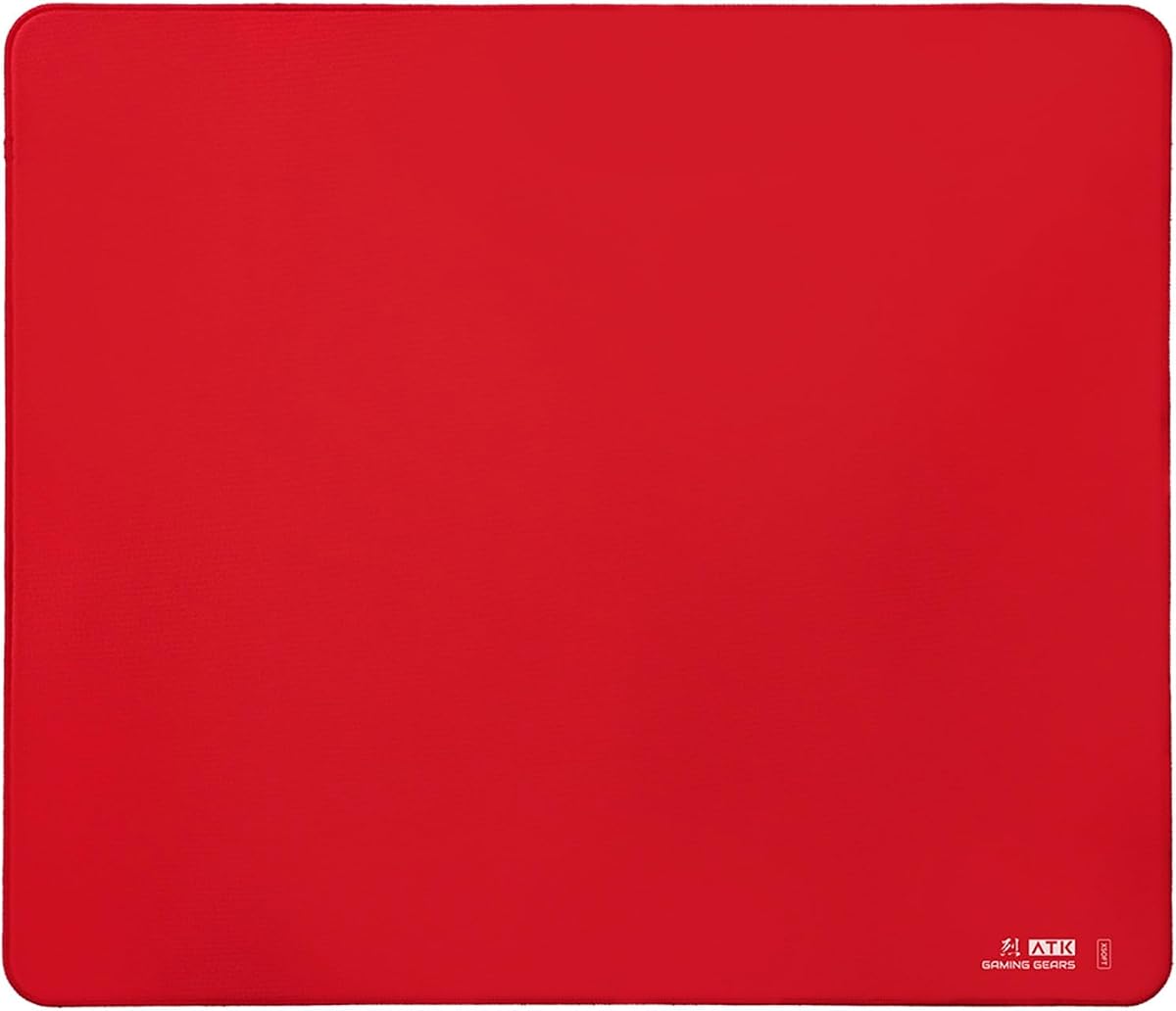
ATK Blaze XSoft Gaming Mouse Pad
5.0Editor score
Balanced Composite Fiber Surface
XSoft Custom Polyurethane Base
Large 490x420mm Size
Choosing the right surface is critical for competitive success in Counter Strike 2. A high quality mouse pad ensures consistent tracking and precise aim during intense matches. We evaluate the top options available for players seeking an edge in their setup.
This guide compares ten leading mouse pads designed specifically for FPS gaming and Counter Strike 2. We analyzed surface texture, durability, size, and base stability to help you make an informed decision. Each option offers unique benefits for different play styles and desk layouts.
Every pick highlights key features, pros, and cons to guide your selection process. Prices may fluctuate based on availability and seller promotions. Check current listings for the most up to date information before purchasing your new gaming surface.
5.0Editor score

4.7Editor score

4.5Editor score
As an Amazon Associate we earn from qualifying purchases.
Below is a side by side comparison of the top ten mouse pads for Counter Strike 2. Review the key specifications to find the perfect match for your gaming needs.


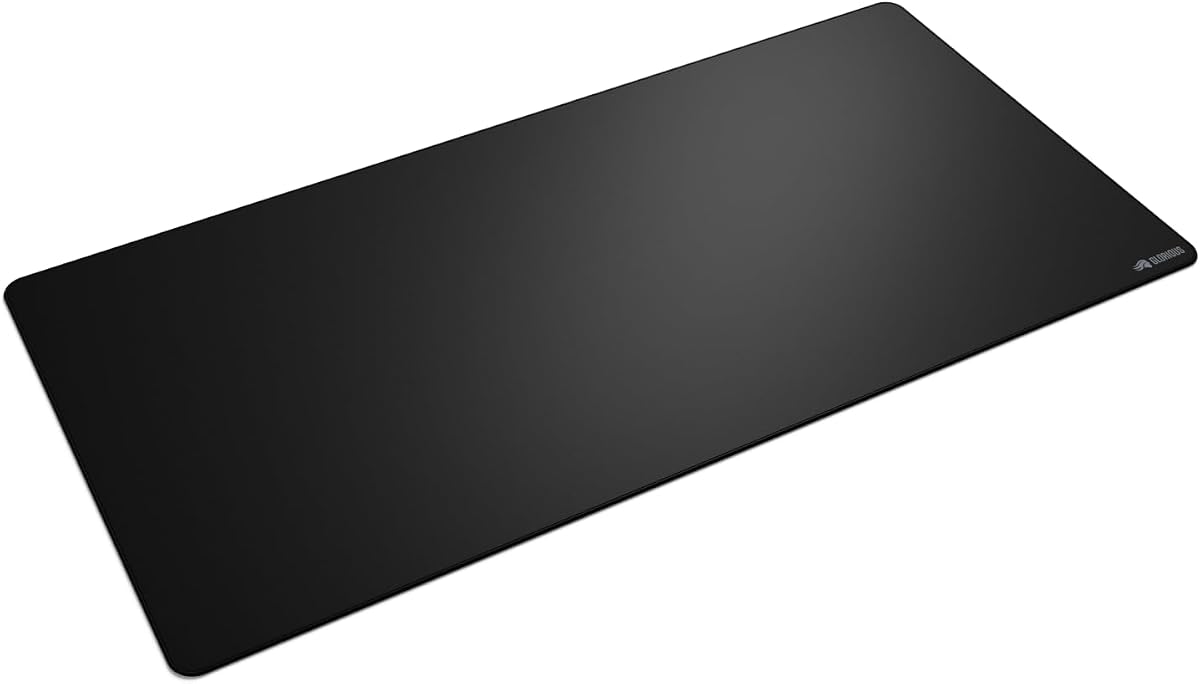

The Razer Gigantus V2 is a top choice for CS2 players seeking reliable performance. With a 4.7 rating, it stands out for its engineered surface designed for competitive play.
We may earn a commission when you buy through this link, at no additional cost to you.
Its textured micro-weave cloth surface allows for pixel-precise accuracy across all mouse sensors. The high thread count ensures smooth glides for quick fluid swipes during intense rounds.
The 3mm thick high-density rubber foam provides a uniformly flat foundation even on imperfect desks. This stability is crucial for clutch plays where every millimeter of movement matters.
If you want a dependable pad that supports rapid tracking and consistent aim, this is an excellent pick. It combines durability with a stable base that locks in place during chaotic moments.
The high thread count weave reduces friction without sacrificing control for precise stopping power.
The anti-slip base keeps the mat secure during rapid directional changes and flick shots.
We may earn a commission when you buy through this link, at no additional cost to you.
The ATK Blaze XSoft offers exceptional value with a perfect 5.0 rating. It delivers a balanced texture suitable for FPS games like CS2 and Valorant.
We may earn a commission when you buy through this link, at no additional cost to you.
Its proprietary composite blend fiber weave provides low static friction for smooth micro-adjustments. The XSoft polyurethane base adds cushioning to reduce wrist fatigue over long sessions.
Precision recessed edges prevent fraying and maintain comfort without disrupting mouse movement. The large size supports various grip styles and low sensitivity settings effectively.
Budget conscious gamers will appreciate this pad's blend of comfort and performance. It offers high quality features at an accessible price point without compromising consistency.
The XSoft base reduces wrist strain while providing a responsive feel for dynamic gaming.
Recessed stitching ensures the pad remains smooth and skin-friendly during extended play.
We may earn a commission when you buy through this link, at no additional cost to you.
This glass pad supports controlled flicks and precise tracking for FPS players. The micro-etched matte texture delivers a smooth feel without becoming overly slippery.
We may earn a commission when you buy through this link, at no additional cost to you.
Unlike cloth pads, this surface resists humidity and sweat to maintain long-term consistency. It offers stable performance in varied environments where moisture might affect other mats.
The waterproof non-porous design makes cleanup simple and prevents dust absorption. This reduces maintenance needs and keeps the surface performing well over time.
Players seeking a durable alternative to cloth will find this option compelling. It combines a premium feel with practical benefits for daily gaming and work use.
The micro-etched texture provides reliable stopping power alongside a smooth glide surface.
The glass material ensures consistent performance regardless of room humidity or sweat.
We may earn a commission when you buy through this link, at no additional cost to you.
This white glass pad offers the same balanced control as the black variant. It supports precise tracking and consistent aim for games like CS2 and Apex Legends.
We may earn a commission when you buy through this link, at no additional cost to you.
The micro-etched surface ensures a smooth feel without excessive slip. It resists wear and humidity better than traditional cloth surfaces for stable long-term use.
Waterproof properties allow for easy cleaning with a simple wipe. This keeps the pad free from dust and sweat residue that could degrade performance.
Ideal for players who prefer a harder surface with easy maintenance. It fits seamlessly into clean desk setups while supporting high precision gameplay.
The tempered glass construction ensures stable performance even during rapid fast movements.
Non-porous material prevents dirt absorption and makes daily cleaning quick and simple.
We may earn a commission when you buy through this link, at no additional cost to you.
The Dragon Lore edition brings a unique aesthetic to the proven Gigantus V2 design. It features a textured micro-weave surface optimized for speed and control.
We may earn a commission when you buy through this link, at no additional cost to you.
With a high thread count weave, it allows mice to glide easily across the mat. The 3mm thick foam maintains uniform flatness for consistent movements during gameplay.
The anti-slip base ensures the mat stays firmly in place during chaotic moments. This stability is crucial for executing clutch plays without unwanted shifting.
Collectors and competitive players alike will appreciate this exclusive design. It combines visual appeal with the reliable performance Razer is known for in gaming peripherals.
The Dragon Lore theme adds a premium look that stands out on any gaming desk.
Despite the branding, it maintains the core tracking performance of the standard V2.
We may earn a commission when you buy through this link, at no additional cost to you.
The Superglide v3 uses premium alumino-silicate glass for exceptional durability and scratch resistance. It delivers an ultra-fast glide ideal for competitive FPS players.
We may earn a commission when you buy through this link, at no additional cost to you.
Its Type-S surface reduces friction for rapid flicks and seamless movement. The soft R-edge machining removes sharpness to reduce wrist discomfort during long sessions.
Included precision dots let you customize friction and control on the glass surface. The high-density silicone base grips the desk securely to prevent unwanted movement.
For those seeking a premium glass experience, this pad delivers top-tier performance. It offers high durability and customization options to suit specific preferences.
Adjustable dots allow you to tailor the glide feel to your specific FPS needs.
Soft R-edge machining ensures smooth transitions that prevent skin irritation.
We may earn a commission when you buy through this link, at no additional cost to you.
The MM PRO Control pad features an Esports-tuned cloth surface for accurate sensor tracking. Pairing it with a great mouse leads to consistent aim and pinpoint accuracy.
We may earn a commission when you buy through this link, at no additional cost to you.
Its hex-patterned polyurethane base provides exceptional anti-slip grip for stability in battles. Sloped stitched edges minimize disruption when your mouse reaches the pad's edge.
A 4mm thick base offers comfortable cushioning and enhanced stopping power for your hand. The surface is also hand-washable to keep it clean and tidy like your aim.
This pad is excellent for players prioritizing precise control and durability. It balances comfort and stability effectively for intense competitive gaming scenarios.
The hex-patterned base ensures the pad stays locked in place during intense actions.
Anti-fray stitching minimizes disruption and enhances durability during edge use.
We may earn a commission when you buy through this link, at no additional cost to you.
X-Raypad focuses on high-speed accuracy with impressive linear trajectory testing. It offers pixel-precise accuracy whether moving in a straight line or turning.
We may earn a commission when you buy through this link, at no additional cost to you.
The edge design features a flat protruding part and elastic knitted thread for comfort. This prevents pain and scratching compared to traditional mousepad edges.
An irregular woven texture ensures X/Y axis control isn't affected by sliding. The sweat-proof surface works well for players with sweaty hands during competitive matches.
Designed for high precision software and gaming, it supports productivity and play. The natural rubber material ensures durability and a comfortable feel over time.
Elastic knitted edges prevent skin irritation during extended play sessions.
Irregular texture ensures balanced glide without direction-based restrictions.
We may earn a commission when you buy through this link, at no additional cost to you.
The GMP 2 features a precision micro weave surface for smooth glide without sacrificing precision. It accurately tracks movements with any mouse sensor for reliable performance.
We may earn a commission when you buy through this link, at no additional cost to you.
Liquid spills bead up on the surface thanks to a spill-resistant barrier. This protects the smooth glide and keeps the pad pristine for longer periods of use.
Low-profile stitching prevents fraying and minimizes skin irritation when arms sweep over the pad. The grippy rubber base locks it firmly in place on various surfaces.
Ideal for players who need a large area with easy maintenance. It offers a balanced surface perfect for speed and control in competitive environments.
The barrier layer prevents liquid damage and maintains smooth performance over time.
Grippy rubber base locks the pad on wood glass or laminate surfaces securely.
We may earn a commission when you buy through this link, at no additional cost to you.
The Air Glass pad offers one of the thinnest glass options on the market. At 2mm it blends seamlessly with desks preventing awkward arm elevation for ergonomics.
We may earn a commission when you buy through this link, at no additional cost to you.
Designed for speed and micro-adjustment precision, it offers near-zero initial friction. This makes it perfect for flick shots in games like Valorant and CS2.
High-definition artwork is embedded beneath the glass to prevent fading or wear. The design never affects tracking consistency while adding a unique aesthetic to your setup.
Ideal for players wanting premium visuals with durable hard surface performance. It offers consistent results day one to day thousand with minimal maintenance requirements.
The ultra-thin profile prevents wrist strain from awkward desk elevation.
Embedded HD artwork ensures aesthetics never fade or affect sensor tracking.
We may earn a commission when you buy through this link, at no additional cost to you.
Selecting the right mouse pad involves understanding surface type, size, and durability features. This section breaks down the key factors to consider for Counter Strike 2 gaming.
Material choice directly affects tracking and glide. Cloth pads offer a balance of speed and control suitable for most players. Glass pads provide durability and consistent performance but require specific mouse dots for optimal use.
Look for micro-weave or etched textures that maintain consistency over time without developing slow spots.
Mouse pad size should match your DPI and arm movement style. Low DPI players benefit from XL or XXL sizes to accommodate wide arm movements. Smaller pads suit high DPI users with wrist-focused aim.
Choose a size that fits your desk layout while leaving room for other peripherals.
A stable base prevents the pad from sliding during intense gameplay. Rubber bases with textured patterns offer excellent grip on wood and glass desks. Ensure the base adheres securely to avoid mid-match shifting.
Check reviews or product descriptions for anti-slip claims to ensure secure placement.
Edges can impact comfort during long sessions. Stitched edges prevent fraying but may catch on skin. Recessed or sloped edges minimize disruption when the mouse approaches the edge.
Select an edge style that feels comfortable against your arm and wrist.
Durability varies by material. Glass pads resist sweat and humidity better than cloth. Cloth pads may absorb moisture but are often washable. Consider how easy it is to clean the surface regularly.
Opt for a surface that maintains performance without frequent deep cleaning.
Thickness affects wrist comfort. Thicker pads offer cushioning but may elevate the hand. Thinner pads provide a firm feel. Choose based on whether you prefer a soft or hard surface for your wrists.
Balance comfort with tracking precision to find your preferred thickness.
Visual appeal matters for desk setups. Some pads feature branding or designs that match game themes. Others are minimalist to blend in. Consider how the design fits your personal style.
Select a design that complements your setup without distracting from gameplay.
Ensure the surface works with your specific mouse sensor. Most modern sensors work well on high-quality cloth and glass. Verify compatibility claims to avoid tracking issues.
Check manufacturer specs to confirm the pad supports your mouse sensor type.
To ensure optimal performance, always place your mouse pad on a flat, clean surface. This prevents uneven tracking caused by bumps or debris underneath the mat.
For glass pads, apply mouse dots carefully to maintain consistency. Cloth pads should be hand-washed with mild detergent and air-dried completely before reuse.
Avoid exposing the pad to direct sunlight or extreme heat as this can degrade materials over time. Regular cleaning extends the lifespan and maintains the texture quality.
Glass pads offer better durability and consistency in humid environments. However, they feel faster and may require mouse dots. Cloth pads provide more stopping power which some players prefer for control.
Low sensitivity players typically need XL or XXL pads to accommodate wide arm movements. Large pads prevent hitting the edge during quick turns or flicks.
Use mild detergent and warm water for hand washing. Avoid wringing the pad and let it air dry completely to maintain the surface texture and base adhesion.
Tracking issues often result from worn surface texture or debris on the pad. Cleaning the surface or replacing worn mouse feet can resolve sudden tracking loss issues.
Yes, many pads are designed to be versatile. Glass pads are particularly durable and smooth for productivity tasks. Choose a design that suits your aesthetic needs.
Place the dots on the bottom of your mouse feet carefully. Adjust the number of dots to customize the glide speed based on your preference.
Choosing the right mouse pad can significantly impact your performance in CS2. Whether you prefer cloth or glass, prioritize stability and consistent tracking for competitive play.
Consider your play style when selecting size and surface texture. Low DPI players need more room while high DPI players may prefer smaller pads for precision.
Check current availability and deals before purchasing to ensure you get the best value for your setup. Regular maintenance will keep your chosen pad performing at its peak.