
SSK Portable SSD 1TB External Solid State Hard Drive USB C Up to 1050MB/s
4.5Editor score
Fast 1050MB/s read speed
Lightweight aluminum alloy case
Compatible with iPhone and Mac
This guide compares the top external SSDs for MacBook Neo users, evaluating speed, durability, capacity, and compatibility to help you choose the perfect
Finding the right external storage for your MacBook Neo is essential for maintaining productivity and protecting your valuable data. A high-quality drive ensures fast file transfers and reliable access to your projects on the go.
We compared ten top-rated external SSDs based on speed, durability, and compatibility with macOS systems. Our analysis focuses on real-world performance metrics and user feedback to highlight the most reliable options available.
Each pick below highlights key strengths and ideal use cases to help you decide quickly. Please note that specific features and availability may change, so always verify current details before making a final purchase decision.
4.5Editor score

4.7Editor score

4.6Editor score
This side-by-side comparison highlights the key specifications and unique features of each drive to help you find the best match for your storage needs.






The SanDisk 2TB Extreme Portable SSD is a top choice for MacBook Neo users seeking reliable high-capacity storage. It features impressive read speeds and a rugged design that stands up to daily wear and tear.
We may earn a commission when you buy through this link, at no additional cost to you.
Its performance is driven by NVMe technology which delivers fast file transfers suitable for large media files. The drive is resistant to water and dust which makes it ideal for outdoor work environments.
While the price reflects the premium build and capacity it is a worthwhile investment for professionals. The included encryption ensures your data remains secure even if the drive is lost.
This drive is perfect for photographers and videographers who need secure and portable storage. We recommend it for anyone needing robust protection and high performance on the go.
The IP65 rating ensures the drive withstands water and dust which is essential for field work.
Hardware encryption keeps your sensitive files safe without requiring additional software.
We may earn a commission when you buy through this link, at no additional cost to you.
The SSK Portable SSD 1TB offers exceptional value for MacBook Neo users on a budget. It delivers fast speeds and a lightweight design that fits easily into any bag.
We may earn a commission when you buy through this link, at no additional cost to you.
Its aluminum case helps dissipate heat efficiently which ensures consistent performance during long transfers. The included cables allow compatibility with a wide range of devices.
Some users may notice capacity differences depending on the operating system used. However this is a standard calculation difference that does not affect the actual physical storage.
This drive is ideal for students and casual users needing extra storage space. We suggest it for those prioritizing cost and speed over premium branding.
The aluminum case keeps the drive cool which prevents throttling during heavy use.
Both USB-C and USB-A cables are included for broad device compatibility.
We may earn a commission when you buy through this link, at no additional cost to you.
The Samsung T9 Portable SSD 1TB stands out with top-tier speeds and reliable performance. It is designed for creators who need fast access to large files without interruption.
We may earn a commission when you buy through this link, at no additional cost to you.
Its thermal guard system ensures the drive stays cool even during sustained high-speed transfers. This feature helps maintain consistent performance which is crucial for professional workflows.
To get the best speeds you must use a compatible USB 3.2 Gen 2×2 port. Older ports will still work but will not reach the maximum rated throughput.
This drive is best for professionals needing high throughput for video editing. We recommend it for those who want the latest technology and brand reliability.
The thermal guard prevents overheating which keeps speeds steady during long tasks.
Samsung produces its own components which ensures high quality and durability.
We may earn a commission when you buy through this link, at no additional cost to you.
The Lexar ES3 1TB Portable SSD combines speed with a sleek and modern design. It is thin and light which makes it perfect for users who carry their drive everywhere.
We may earn a commission when you buy through this link, at no additional cost to you.
Its data transfer speeds are fast enough for most daily tasks and media editing. The included encryption software adds a layer of security for your important files.
Compatibility is broad though newer models are optimized for the latest devices. Older models might not support the fastest features or specific functions.
This drive is great for general users needing a reliable portable solution. We recommend it for those who value design and speed in equal measure.
At 10.5mm thick it fits easily into pockets without adding bulk.
Built-in encryption software helps keep your files private and secure.
We may earn a commission when you buy through this link, at no additional cost to you.
The SAMSUNG T7 Portable SSD 1TB is a versatile choice for both creators and gamers. It offers consistent speeds and a durable build that withstands regular use effectively.
We may earn a commission when you buy through this link, at no additional cost to you.
Its shock resistance protects your data even if the drive is dropped accidentally. The NVMe technology ensures you can edit and transfer files quickly without lag.
While highly versatile you may need to check cable inclusion for specific bundles. The performance remains solid across different devices and operating systems.
This drive is suitable for a wide range of users from students to pros. We recommend it for those seeking a trusted brand and balanced features.
The solid body construction protects against drops up to six feet.
Records 4K video directly for seamless workflow integration.
We may earn a commission when you buy through this link, at no additional cost to you.
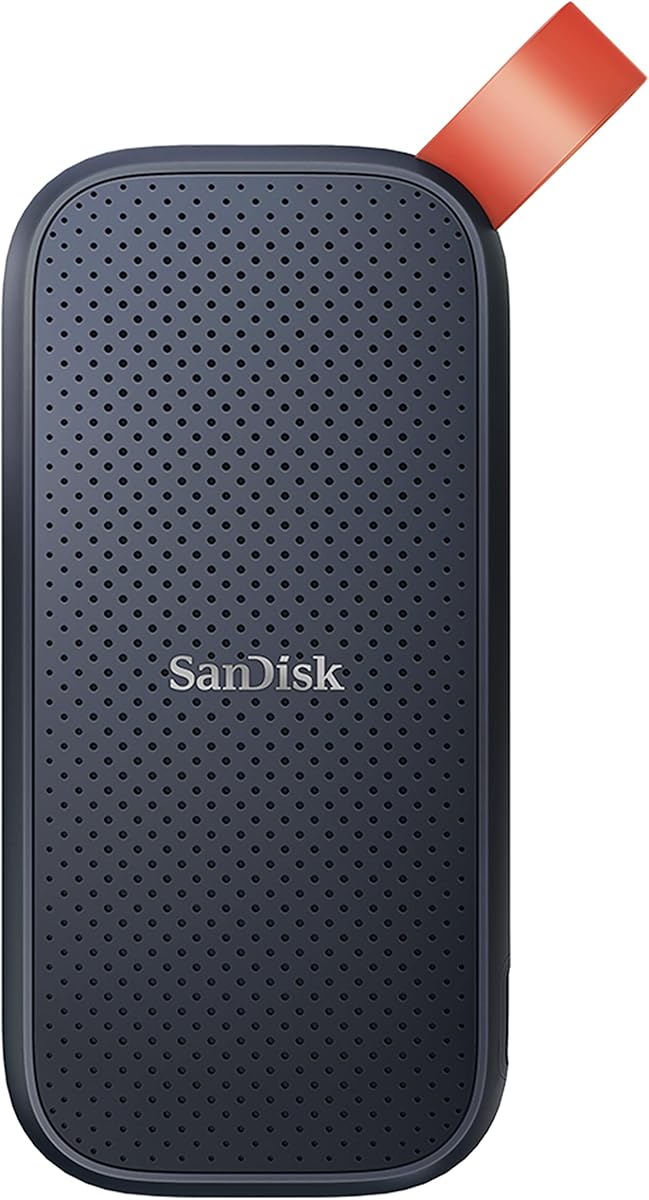
The SanDisk 1TB Portable SSD is a reliable option for standard storage needs. It offers solid performance and a rugged design that protects your data effectively.
We may earn a commission when you buy through this link, at no additional cost to you.
While not the fastest it is sufficient for everyday tasks and media backups. The carabiner loop adds convenience which keeps your drive secure during travel.
Compared to newer models its speed may be slower for large file transfers. However it remains a sturdy and trustworthy choice for general usage.
This drive is good for users who prioritize durability and brand trust. We recommend it for those needing basic storage without advanced features.
The carabiner loop lets you attach the drive to your bag easily.
Built to withstand drops up to two meters for peace of mind.
We may earn a commission when you buy through this link, at no additional cost to you.
The Lexar 2TB ES3 External SSD provides ample space for extensive media libraries. It combines speed and durability to meet the needs of power users effectively.
We may earn a commission when you buy through this link, at no additional cost to you.
Its cooling system ensures the drive stays cool during heavy use. This helps maintain performance over time which is essential for large data transfers.
The price reflects the larger capacity and robust build quality. It is a solid investment for those who need significant storage on the go.
This drive is ideal for filmmakers and creators with large file needs. We recommend it for anyone prioritizing capacity and reliable performance.
Graphite sheets conduct heat away to keep performance stable.
With 2TB you can store thousands of photos and videos easily.
We may earn a commission when you buy through this link, at no additional cost to you.
The Lexar D70E 1TB Dual Drive External SSD simplifies connectivity with built-in ports. It removes the need for extra cables which makes it highly convenient for travel.
We may earn a commission when you buy through this link, at no additional cost to you.
Its high-speed performance supports demanding tasks like video editing and backups. The included app automates backups so you do not have to do it manually.
While convenient the connectors add some bulk to the device design. However the versatility often outweighs this minor trade-off for many users.
This drive is perfect for users who switch between multiple device types. We recommend it for those seeking maximum convenience and speed.
Built-in ports let you plug directly into Mac and PC.
The Lexar App handles backups automatically for peace of mind.
We may earn a commission when you buy through this link, at no additional cost to you.
The SanDisk 1TB Extreme PRO Portable SSD offers high performance and rugged protection. It is built to handle extreme conditions while maintaining fast transfer speeds.
We may earn a commission when you buy through this link, at no additional cost to you.
Its aluminum chassis acts as a heatsink to keep the drive cool. The environmental rating ensures it can withstand water and dust exposure.
As an older model it may lack newer software features found in updated versions. However the core performance and durability remain excellent for most users.
This drive is well suited for field work and demanding environments. We recommend it for those needing top speed and protection.
With IP65 rating it handles water and dust in any environment.
Read speeds reach up to 2000MB/s for quick file access.
We may earn a commission when you buy through this link, at no additional cost to you.
The Western Digital 1TB My Passport SSD is known for its durability and reliability. It offers fast speeds and robust protection for your valuable data.
We may earn a commission when you buy through this link, at no additional cost to you.
Its drop resistance is one of the highest on this list. The hardware encryption ensures your files are secure even if someone else accesses the drive.
While it may not have flashy features it excels in core performance and protection. This makes it a practical choice for everyday use.
This drive is suitable for general users seeking trusted brand reliability. We recommend it for those valuing protection and straightforward usability.
Withstands drops up to 6.5 feet to protect your data.
256-bit AES encryption keeps your files safe from unauthorized access.
We may earn a commission when you buy through this link, at no additional cost to you.
Selecting the right external SSD involves considering several factors such as speed capacity and durability to ensure it meets your specific workflow needs.
Storage capacity determines how many files you can keep on your drive. Consider your current needs and future growth when selecting between 1TB and 2TB options.
Choose a size that fits your media library without needing multiple drives.
Speed impacts how fast you can transfer files and edit directly from the drive. Look for read speeds over 1000MB/s for efficient workflows.
Faster speeds are essential for video editing and large data transfers.
A durable build protects your drive from accidental drops and environmental hazards. Look for features like metal bodies and water resistance ratings.
Rugged designs extend the lifespan of your drive in active environments.
Ensure the drive has the correct ports for your MacBook Neo and other devices. USB-C is standard but dual connectors can add versatility.
Check that cables are included or sold separately for your setup.
Security features like encryption protect your personal and business data. Hardware encryption is more robust than software-only solutions.
Choose drives with built-in encryption for better privacy and safety.
Most modern drives work with macOS but some may have specific requirements. Verify compatibility with your operating system and any backup software.
Universal compatibility ensures smooth integration with your existing tools.
Weight and size matter if you carry your drive daily. Lightweight models are easier to keep in your pocket or bag.
Compact designs help maintain a light and efficient travel kit.
Established brands often provide better quality control and customer support. Look for manufacturers with a history of reliable storage solutions.
Trustworthy brands offer peace of mind regarding performance and support.
Connect your drive securely to your MacBook Neo using the provided cable to ensure stable data transfers. Always eject the drive properly from the desktop before unplugging it.
Keep your drive in a protective case when not in use to prevent physical damage. Avoid exposing it to extreme temperatures or direct sunlight for long periods.
Regularly check for firmware updates through the manufacturer's software to maintain optimal performance. This helps fix bugs and improve compatibility with macOS updates.
Yes most external SSDs use USB-C which matches the ports on MacBook Neo. Just ensure you have the correct cable and the drive supports your macOS version.
Absolutely modern external SSDs offer fast speeds suitable for editing 4K and HD video. Ensure the drive supports high read speeds for smooth playback.
Some drives come formatted for Windows so you may need to reformat them for macOS. Use Disk Utility to format the drive to APFS or ExFAT.
External SSDs generally last several years with normal use. Their lifespan depends on write volume and how well you protect them from physical damage.
Hardware encryption protects your data with a password and encryption key. It is highly recommended if you store sensitive or confidential information.
Many modern drives work with both Mac and iPhone if they support the correct file system. Check the product details for specific compatibility notes.
We have explored ten top external SSDs that deliver speed and reliability for MacBook Neo users. Each option balances performance and durability to suit different needs.
Prioritize capacity and speed based on your workflow requirements before making a decision. Security features like encryption are vital if you handle sensitive data.
Always check current product details and availability to ensure you get the latest features. This guide should help you choose a reliable storage solution with confidence.