This guide compares top laptop protection software options including antivirus identity monitoring and web security to help you secure your device effectively.
As an Amazon Associate we earn from qualifying purchases. We may earn a commission when you buy through links on this page, at no additional cost to you. Read our affiliate disclosure.As an Amazon Associate we earn from qualifying purchases.Purchases through our links may earn us a commission, at no extra cost to you. Read our affiliate disclosure.
Protecting your laptop requires more than just an antivirus. Modern threats include identity theft scams and privacy breaches. Good software combines detection identity monitoring and secure browsing into one package.
We compared ten real products based on features ratings and device coverage. We looked at threat detection VPN tools and customer support. This list covers options for individuals and small businesses needing full digital security.
Each pick shows what the software protects and how it works. Prices change so check current offers before buying. Use this guide to find the right plan for your specific needs and budget constraints.
Top 3 Picks for Best Laptop Protection Software
Best Budget
K7 Total Security Antivirus Software 2026 for laptop/pc |1 User, 1 year |Antivirus,Internet security,Data security,Threat Protection| 2hr Email Delivery-No CD
Top 10 Best Laptop Protection Software in 2026 Compared
The following table lists each product with its key specifications. Compare device counts and features side by side to choose the right plan for your needs.
This product offers comprehensive protection for five devices including laptops and mobile units. It scores well with users for its ease of use and broad threat detection capabilities.
Pros
Threat detection automated
Identity monitoring included
Clear alerts provided
VPN included useful
Auto renewal convenient
Cons
Price may vary
Auto renewal active
We may earn a commission when you buy through this link, at no additional cost to you.
The software detects suspicious links and scams before they reach you. Identity monitoring watches for exposed info and provides guidance. Secure connections protect data on public Wi-Fi automatically.
Adaptive protection tunes alerts to your habits and keeps up with changing threats. Auto renewal ensures hassle free protection but requires payment method storage.
It suits households needing full device coverage and identity safeguards. You get 24/7 support and guided actions. We recommend this for its all in one security approach.
Threat Detection Automation
Suspicious links and viruses are caught automatically before you interact with them.
Identity Monitoring
Personal info is watched and you receive alerts if it appears online.
This tier extends protection to unlimited devices and adds personal data scans. It is ideal for users with many gadgets who want deeper privacy tools.
Pros
Unlimited device coverage
Personal data scans
Social privacy manager
Threat detection automated
Secure connections ready
Cons
Price higher than basic
Auto renewal active
We may earn a commission when you buy through this link, at no additional cost to you.
The software removes your info from data broker sites and guides removal. It fixes social privacy settings automatically. Threat detection and identity monitoring are also included.
Guided actions help you take steps when alerts occur. VPN and web protection work together for safety. Auto renewal keeps protection active without interruption.
It fits power users wanting max coverage and privacy control. Support is available via chat or phone. This is the top pick for unlimited security.
Personal Data Scans
Scans find your info on sites selling it and guide removal steps.
Social Privacy Manager
Fixes buried privacy settings in social accounts automatically.
This software protects laptops and PCs against viruses spyware and phishing. It is affordable for single users needing core security and ransomware shields.
Pros
Affordable pricing
Webcam protection included
Ransomware shield
Email delivery fast
Threat protection active
Cons
Limited to one user
No VPN listed
We may earn a commission when you buy through this link, at no additional cost to you.
Ransomware protection stops files from being encrypted or deleted. Webcam protection blocks unauthorized access to your camera. Internet security helps you bank and shop safely online.
Activation codes are delivered by email within twenty four hours. No physical disc is required. The suite covers threats and maintains your online privacy.
It suits those wanting core protection at low cost. Support is email based. We recommend this for basic laptop security needs.
Ransomware Protection
Files are shielded from apps that encrypt or delete them.
Webcam Protection
Unauthorized apps are blocked from accessing your webcam.
This version covers three devices and includes dark web monitoring. It offers unlimited VPN and a password manager for secure accounts.
Pros
Dark web monitoring
Unlimited VPN
Password manager
Award winning antivirus
Code instant download
Cons
Fewer devices than 5
Auto renewal active
We may earn a commission when you buy through this link, at no additional cost to you.
The antivirus notifies you of risky websites and protects from threats. Identity monitoring tracks breaches for emails and phone numbers. Secure online banking is supported with unlimited VPN.
Codes are emailed instantly. No physical media is required. You get award winning protection across your devices and accounts.
It fits small households needing identity and account security. VPN is useful on public networks. This is a strong pick for balanced coverage.
Dark Web Monitoring
Notifies you if your info is found on the dark web.
Password Manager
Generates and stores complex passwords for account safety.
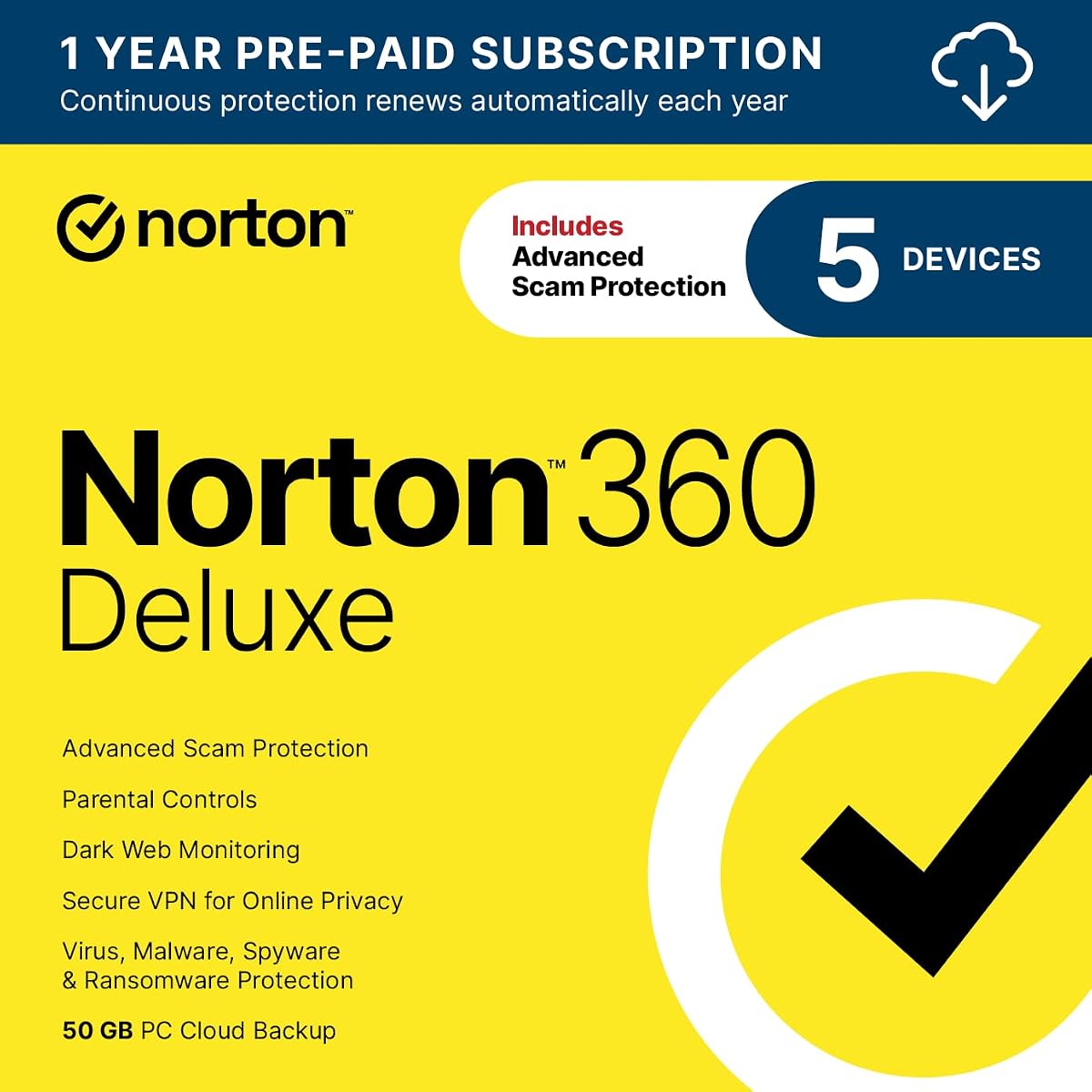
This suite protects five devices and includes a Genie AI assistant. It offers dark web monitoring and secure cloud backup for files and photos.
Pros
Genie AI assistant
Dark web monitoring
50GB cloud backup
Fast VPN speeds
Auto renewal active
Cons
Intro price only first year
Auto renewal active
We may earn a commission when you buy through this link, at no additional cost to you.
Real-time protection blocks malware and ransomware without slowing devices. The Genie assistant helps spot scams in messages and emails. VPN provides fast speeds and more server locations.
50GB secure cloud backup prevents file loss from failures. Auto renewal requires a stored payment method. Intro pricing applies only for the first year.
It suits users who value AI guidance and backups. VPN speeds are strong. This is a solid pick for full device security.
Genie AI Assistant
Helps you spot hidden scams in emails and messages.
This plan covers physical accidents like drops and spills. It starts on purchase and continues after the manufacturer warranty ends.
Pros
Drops and spills covered
No repair cost
Easy claims process
24/7 expert help
Parts included
Cons
Hardware plan not software
Plan tied to product
We may earn a commission when you buy through this link, at no additional cost to you.
Drops spills and cracked screens are covered. Malfunctions are covered after the warranty expires. Experts are available 24/7 for set-up and troubleshooting.
Claims are filed online or by phone and most are approved fast. If repairs are impossible you get a gift card or replacement. Parts and labor are included.
It suits those wanting physical hardware protection. It does not offer antivirus but protects the device itself. This is a strong pick for laptop longevity.
Accident Coverage
Drops spills and cracked screens due to normal use are covered.
Repair Support
Experts help with set-up connectivity and troubleshooting.
This version covers three devices and offers guided actions for alerts. It includes 24/7 support and adaptive protection that tunes to you.
Pros
Threat detection auto
24/7 support
Guided action alerts
Secure connections ready
Code instant download
Cons
Lower device count
Auto renewal active
We may earn a commission when you buy through this link, at no additional cost to you.
Suspicious links and viruses are caught automatically. Identity monitoring watches for your exposed info and tells you what to do. Secure connections protect on public Wi-Fi.
Guided actions make it easy to take next steps. Support is available via phone or chat. Auto renewal keeps protection active.
It suits smaller households needing basic coverage. Clear alerts simplify security. We recommend this for straightforward protection.
Guided Action
Clear alerts and simple guidance make action easy.
This suite protects five devices on Windows Mac and mobile. It offers safe online banking and parental controls for family use.
Pros
Safe online banking
Cross platform safe
Anti tracker active
Parental controls
Webcam protection
Cons
Activation by mail
VPN limited data
We may earn a commission when you buy through this link, at no additional cost to you.
Advanced threat defense includes real-time data protection and multi-layer malware defense. Game and movie modes optimize speed while browsing. Microphone and webcam protection are included.
The safe browser secures transactions and limits tracker data. Eco friendly packaging ships with a printed code. VPN offers 200MB per day.
It suits mixed OS households needing family features. Parental controls and game modes add value. This is a top pick for balanced security.
Safe Online Banking
A dedicated browser secures your online transactions.
Cross Platform Safe
Protects Windows Mac iOS and Android devices equally.
This plan protects three devices and includes dark web monitoring. Genie AI helps spot scams and secure cloud backup prevents file loss.
Pros
Genie AI assistant
Dark web monitoring
Fast VPN speeds
Auto renewal active
Real time protection
Cons
Fewer devices than 5
Intro price only first year
We may earn a commission when you buy through this link, at no additional cost to you.
Real-time protection blocks malware and ransomware without slowing performance. VPN speeds are fast and offer more server locations. Auto renewal requires a stored payment method.
The first year price is introductory for new customers. You get ongoing protection and identity safeguards. Support is available via account management.
It fits small households needing basic identity and scam protection. VPN is useful for privacy. We recommend this for budget minded users.
Dark Web Monitoring
Searches the dark web to notify you if info is found.
Real Time Protection
Protects against emerging threats without slowing device.
This plan protects ten devices and includes Genie AI for scam spotting. It offers dark web monitoring and large cloud backup for file safety.
Pros
10 devices covered
75GB cloud backup
Dark web monitoring
Genie AI assistant
Auto renewal active
Cons
Intro price only first year
Auto renewal active
We may earn a commission when you buy through this link, at no additional cost to you.
Real-time protection blocks malware and ransomware without slowing performance. VPN speeds are fast and offer more server locations. Auto renewal requires a stored payment method.
The first year price is introductory for new customers. You get ongoing protection and identity safeguards. Support is available via account management.
It fits large households needing full coverage. VPN is useful for privacy. We recommend this for comprehensive protection.
Dark Web Monitoring
Searches the dark web to notify you if info is found.
We may earn a commission when you buy through this link, at no additional cost to you.
Buying Guide – How to Choose the Best Laptop Protection Software
Choose the right plan by considering device count identity features and pricing.
Device Coverage
Most plans protect multiple PCs laptops and mobile devices. Choose a plan that covers all units you own to avoid gaps in security.
Match the device count to your household size.
Identity Monitoring
Identity monitoring tracks your email and phone numbers for breaches. It warns you if your info appears on the dark web.
Look for tools that provide removal guidance.
VPN and Privacy
A secure VPN hides your IP on public Wi-Fi networks. This prevents data interception while browsing or banking.
Unlimited VPN offers more freedom than limited plans.
Ransomware and Threat Detection
Ransomware blocks access to your files until you pay. Protection that stops files from being encrypted or deleted is essential.
Automatic threat detection is a key feature.
Cloud Backup
Secure cloud backup helps restore data if ransomware hits. It protects photos and documents from hardware failure.
More storage space offers better protection.
Subscription Terms
Many plans auto renew. Ensure you know the renewal price and how to cancel if needed.
Store a payment method to activate most plans.
Customer Support
Look for 24/7 phone or chat support. Guidance is vital when threats occur.
Check reviews for response quality and speed.
Price and Value
Compare features against annual cost. Introductory prices may rise after the first year.
Balance device count with security features.
How to Use and Care for Your Laptop Protection Software
Install the software and activate with the code provided. Restart your device to complete setup and ensure all shields are active.
Keep the software updated to stay safe from new threats. Enable automatic scans and notifications so you know when risks appear.
Monitor alerts and act on guided steps. Review identity monitoring reports and clean up exposed info when notified.
Frequently Asked Questions
Do I need antivirus if Windows Defender is installed?
Windows Defender offers basic protection but may lack identity monitoring and full VPN. Third party suites provide deeper privacy and scam detection tools.
How many devices can one license protect?
Most plans cover three to five devices. Premium options offer unlimited coverage. Check the plan details before purchase.
What happens if my identity is compromised?
You receive an alert. The software often guides you on how to remove your info from broker sites and restore privacy.
Can I use the software on Mac and Windows?
Many suites support both platforms. Check compatibility in the product specs to ensure coverage for all your devices.
Is the VPN included in all plans?
Most plans include a VPN but data limits may vary. Some premium versions offer unlimited access for more privacy.
How does auto renewal work?
Your payment method is stored and charged at renewal. You receive reminders and can cancel in your account anytime.
Final Thoughts on Choosing the Best Laptop Protection Software
Top picks include McAfee for identity and K7 for budget needs. Norton offers strong AI and backup tools.
Prioritize identity monitoring and VPN if you use public Wi-Fi often. Device count matters for multi device households.
Check current prices and subscription terms before buying. Renewal rates may differ from first year offers.
This comprehensive guide compares the top 10 Airtag Detector Device models to help you protect your privacy from hidden cameras and tracking devices effectively